

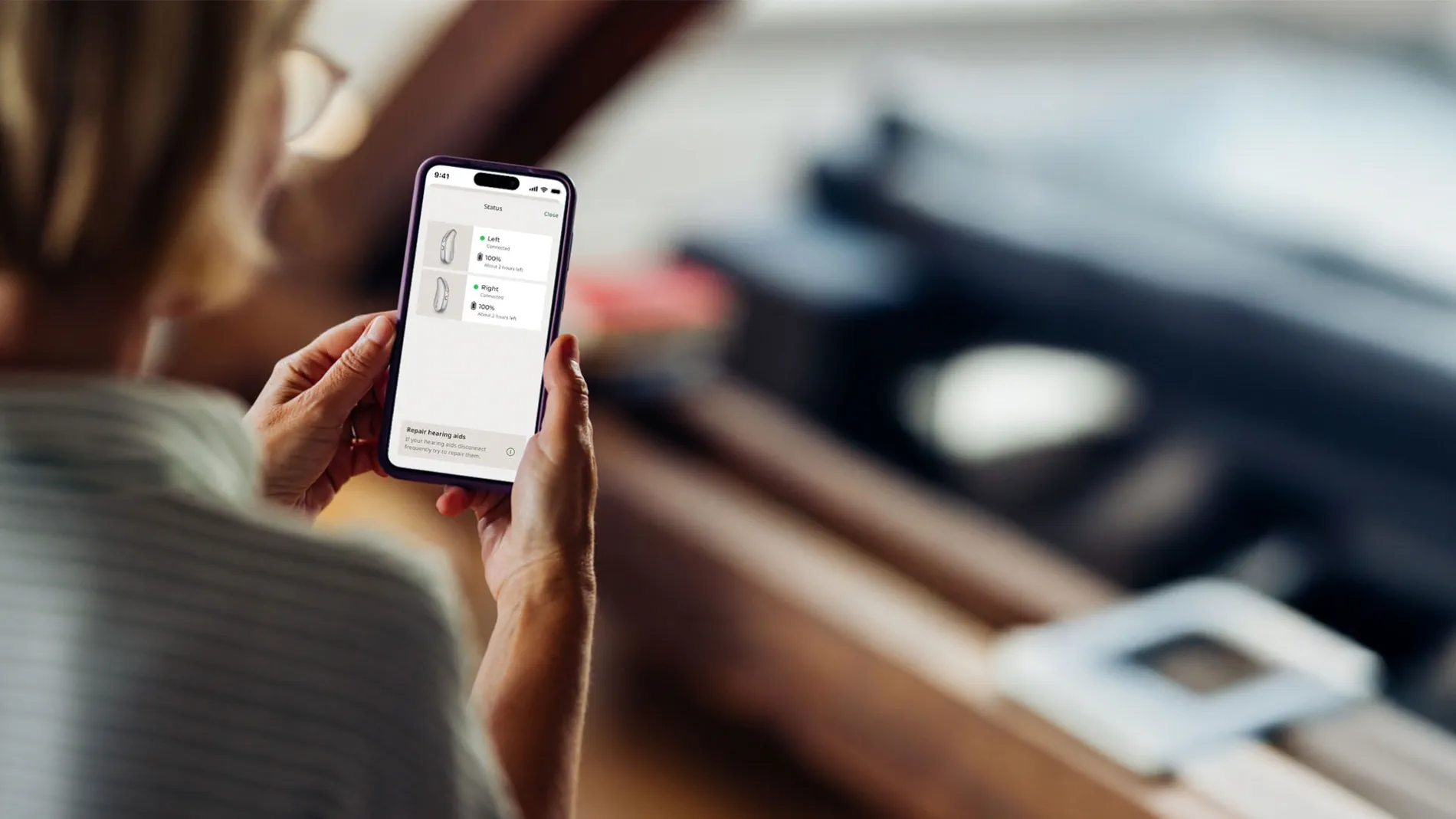
Many hearing aids can connect to an iPhone or Android phone for calls, music and podcasts. You can also use a compatible manufacturer’s app to adjust how the aids sound. Some hearing aids let you speak on a call with the phone in your pocket.
The phone you already use may be all you need. At Alto, we choose the hearing aids, earpiece, accessories and support around the person we’re fitting. Your phone helps us narrow down those options, especially if you spend much of the day making calls.
Image: Widex.
In this article
Using your phone to adjust your hearing aids
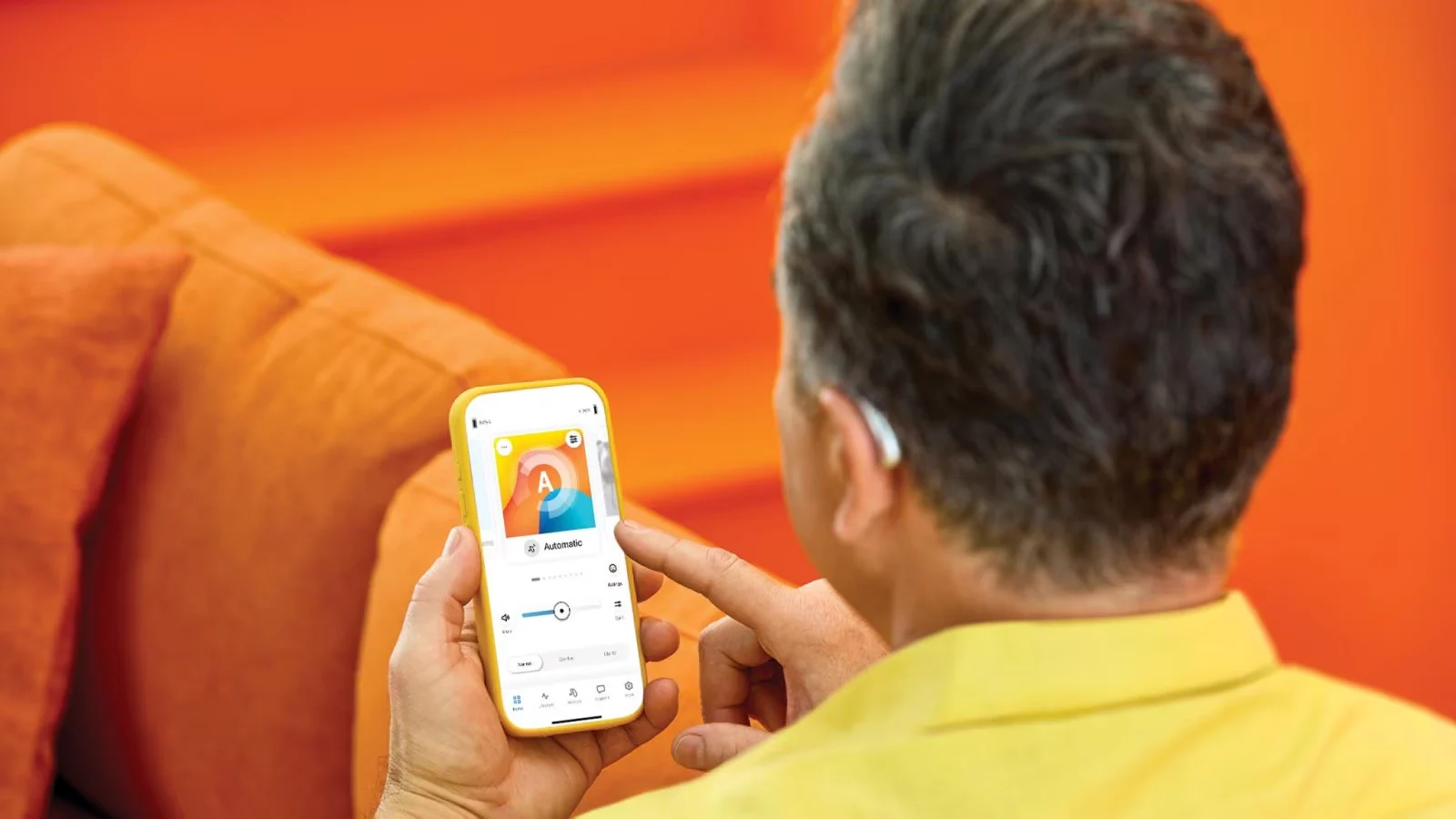
An app lets you make small changes while you are wearing your hearing aids. You can adjust the volume, choose a listening programme or use an equaliser to change the balance of bass and treble. The controls available depend on the hearing-aid model, its settings and the app your phone supports.
In a restaurant, you might want the microphones to focus more closely on someone in front of you. Signia’s directional controls let you change the direction and adjust how narrowly the microphones focus in front. Streamed sound can have a separate level control, letting you adjust music or a connected accessory separately from sounds around you.
Some apps use AI to help you choose sound settings. Signia Assistant asks about the problem you are having and uses your answers to adjust the sound. You can keep the change, revise it or return to the previous setting. Widex Allure’s AI Sound Assistant helps you find and save settings for a particular situation.
You can also check battery levels or use a finder to help locate a misplaced aid. Some apps support remote fine-tuning, arranged with the hearing-care provider.
At follow-up, tell your audiologist which changes you find helpful and where you use them.
The app may work with a phone that cannot stream calls or music to the aids.
Making calls through your hearing aids
With some connections, you hear the caller through your hearing aids but still hold the phone near your mouth so its microphone can pick up your reply. For hands-free calls, the hearing aids or a compatible accessory pick up your voice.
Holding the phone may suit you for an occasional call. Hands-free calling can be particularly useful if you find holding a handset difficult or need both hands for other things.
You may still need the phone’s screen to answer or end a call, even when you can speak hands-free. Some aids have buttons or tap controls for this. The available controls depend on the model and how it is set up.
A demonstration should use your own phone and the apps you rely on for calls, whether that is WhatsApp, FaceTime or Teams.
Will you need a different phone?
Keeping a familiar phone means fewer new controls to learn while you get used to your hearing aids. Find out what it can do with the aids you are considering before buying a replacement.
Changing the handset can make sense if your hearing aids support hands-free calling but your phone does not. Check that function on the replacement model before spending money. A more expensive phone does not guarantee a better connection with your aids.
A compatible accessory can sometimes provide the missing connection, though it adds another device to carry and charge. Our hearing-aid accessories guide covers phone and computer connections. A work laptop needs checking separately, even if your phone connects successfully.

If you already wear hearing aids that are helping you hear, your audiologist can check whether the settings or an accessory could solve the phone problem before you replace them. Our hearing-aid upgrade guide considers what a replacement would need to improve.
You can also use professionally fitted hearing aids without a connected smartphone. They continue with the settings programmed by the clinic. Buttons on the aids or a compatible remote can provide volume or programme controls, depending on the model.
Checking an iPhone or Android phone
Use the full model names of your phone and hearing aids. Include the hearing-aid style, because two aids in the same range may have different wireless features. The phone’s software, hearing-aid firmware and app version can also affect what works.
iPhone
Many hearing aids use Apple’s Made for iPhone system, known as MFi. Apple’s hearing-device list distinguishes one-way audio from two-way audio for hands-free calls. Both the iPhone and the hearing aids need the required support. MFi devices pair through Accessibility, then Hearing Devices. Some other aids use the ordinary Bluetooth menu.
Android
Android phones vary in the hearing-aid connections they support. ASHA, short for Audio Streaming for Hearing Aids, sends audio to the aids but uses the phone’s microphone for your voice. Bluetooth LE Audio can support two-way hands-free calls when both the phone and aids support the required connection. Starkey’s compatibility guidance explains these differences.
Some hearing aids use classic Bluetooth for calls and music with iPhone or Android. A phone without ASHA may therefore still be suitable. The Bluetooth version or Android version alone cannot confirm which functions will work.
Manufacturer compatibility guides
Use the manufacturer’s current guidance for the particular aids you own or are considering:
Read the notes for the functions you want, rather than stopping at the phone’s name. An unlisted phone may be untested rather than incompatible, as ReSound explains. Phone and app updates can change compatibility.
If a connection has stopped working
Check power, Bluetooth and the phone’s audio output setting, then restart the phone and aids using their normal instructions. Follow the manufacturer’s advice before unpairing or resetting them. Some aids have separate app and audio connections.
When getting help, give your audiologist the phone and hearing-aid models and say what still works. Music playing normally while calls fail is useful information. So is a problem that began after an update.
Phone use is part of the fitting
We are independent and choose hearing aids from different manufacturers according to your hearing needs and how you will use them. During fitting and verification, we explain the controls and help you connect your phone and accessories.
A Complete Hearing Assessment takes 90 minutes and costs £75. We assess your hearing and discuss the situations you find difficult. Bring the phone you use every day, and tell us about the calls and other functions you want.
If you already wear hearing aids and need help with a connection, tell us when you get in touch. A connection problem does not necessarily call for a new assessment.